
Account creation
To use OpenAI through API, you must create an account and generate keys. Fortunately, it is pretty straightforward.
1. Sign up here https://platform.openai.com/signup. You can use your Google or Microsoft account to sign up if you don’t want to create using an email/password combination. You may need a valid mobile number to verify your account. A payment method may also be require if you go over your free usage limit.
2. Now, visit your OpenAI key page https://platform.openai.com/account/api-keys or click the menu item “View API keys”
3. Create a new key by clicking the “Create new secret key” button. See the image for reference.
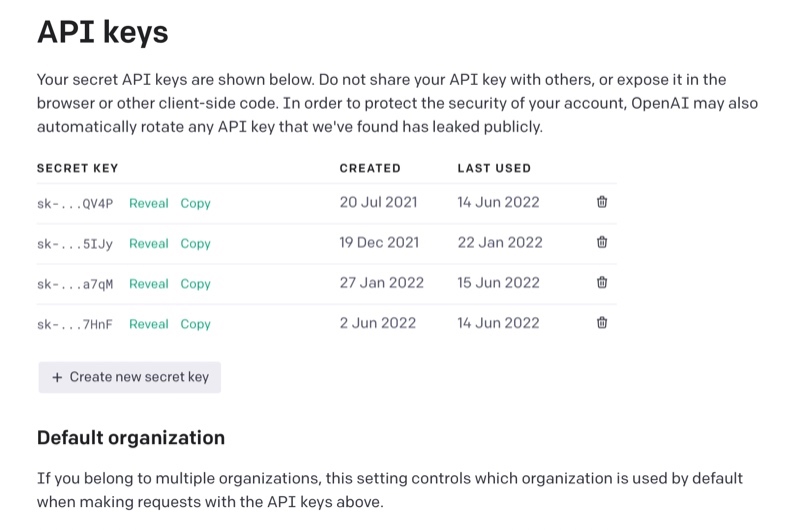
That’s all. You can use this key in your applications.